

lower_48_stf_filled#
This function returns STF production for TX, LA, NM, CO, ND, OK, OH, PA, WV, and WY, plus modeled production estimates for the remaining Lower-48 states using our daily production model based on interstate pipeline flows. It sends a post request to the Hyperion V4 lower_48_stf_filled endpoint.
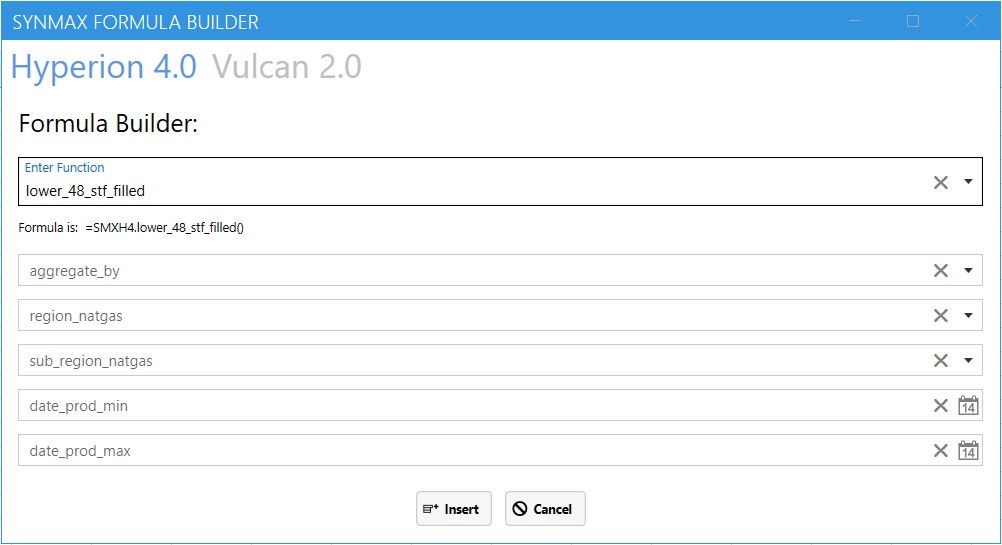
In the Formula Builder, select Hyperion 4.0, then choose the lower_48_stf_filled function from the Enter Function dropdown. Next, select the required fields and click Insert to automatically add the formula to Excel.
Syntax#
=SMXH4.lower_48_stf_filled(aggregate_by, region_natgas, sub_region_natgas, date_prod_min, date_prod_max)
Arguments#
Parameter |
Description |
Example |
|---|---|---|
aggregate_by |
Specifies a parameter by which to aggregate data. |
|
region_natgas |
Region divisions based on natural gas production profiles. |
|
sub_region_natgas |
Subregion divisions based on natural gas production profiles. |
|
date_prod_min |
A date in MM/DD/YYYY format |
|
date_prod_max |
A date in MM/DD/YYYY format |
|
Note
Performance considerations: This function may take some time to retrieve and organize large amounts of data. For best performance, it is recommended to limit the number of input parameters and retrieve only the data needed for analysis.
Note
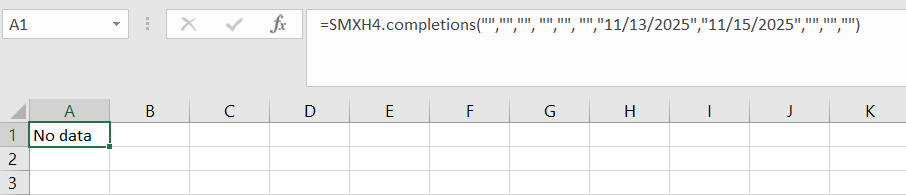
No Data: Output data will return “No Data” when input data is invalid or does not exist.
Examples#
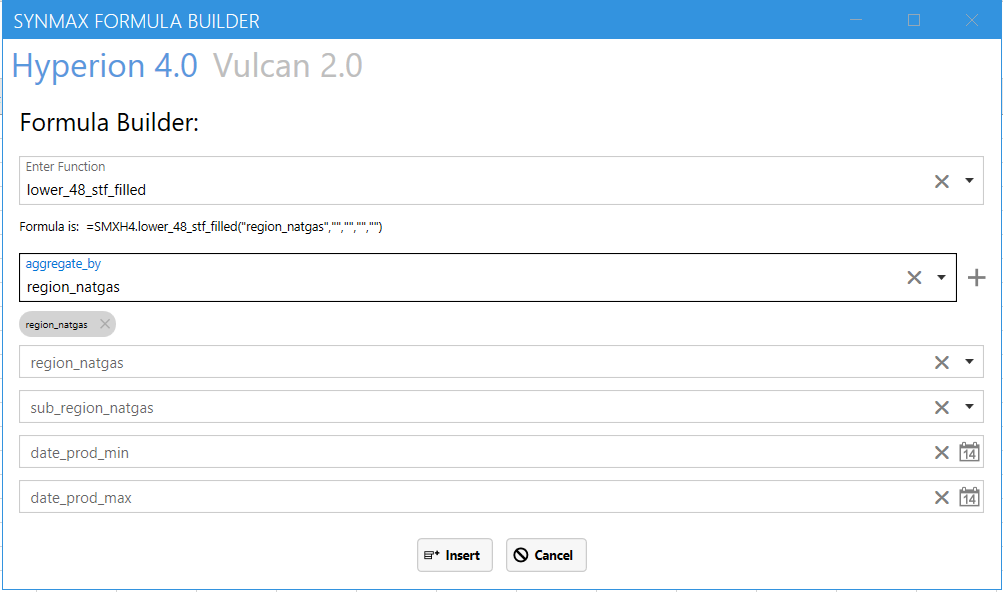
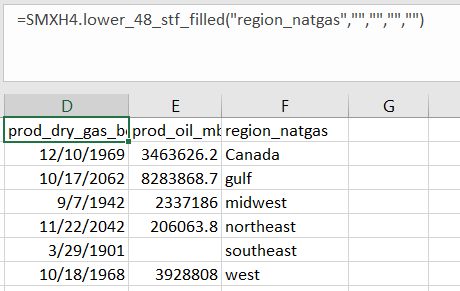
To retrieve STF production aggregated by region_natgas:
=SMXH4.lower_48_stf_filled("region_natgas","","","","")
Input:
Output:
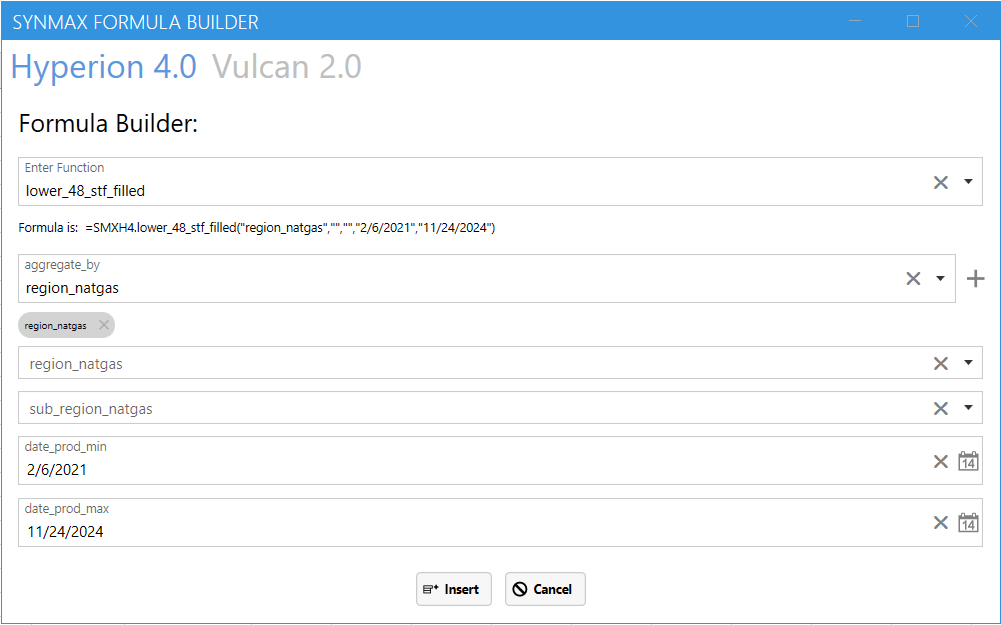
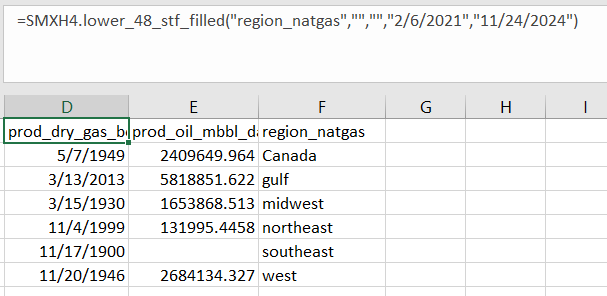
To retrieve STF production with a specific date range:
=SMXH4.lower_48_stf_filled("region_natgas","","","2/6/2021","11/24/2024")
Input:
Output:
Output Parameters#
Field |
Type |
Description |
Example |
|---|---|---|---|
prod_dry_gas_bcf_day |
number |
Dry gas production per day in bfc |
0.43068065 |
prod_oil_mbbl_day |
number |
Daily oil production measured in barrels per day (mbbl/day). |
8 |
region_natgas |
string |
Region divisions based on natural gas production profiles. |
“gulf” |
date_prod |
string |
A date in MM/DD/YYYY format |
“11/24/2022” |
sub_region_natgas |
string |
Subregion divisions based on natural gas production profiles. |
“West - TX” |
Errors#
Functions may return the following error messages:
Error |
Description |
|---|---|
#VALUE! |
Input parameters are invalid or cannot be parsed. |
#REF! |
The function cannot retrieve data from the SynMaxax API due to a network or connectivity issue. |
!!! EXCEPTION |
Invalid input parameters. Make sure dates are enclosed in quotes. Check if the API key is valid. To know more about how to use an API key, please check the section on authentication. |
#No Data |
Input data is invalid or does not exist. |
Note
You can also check the logs for more information on errors. You can access the logs by clicking on SynMax Commodities on the Excel ribbon and then clicking on Logs.